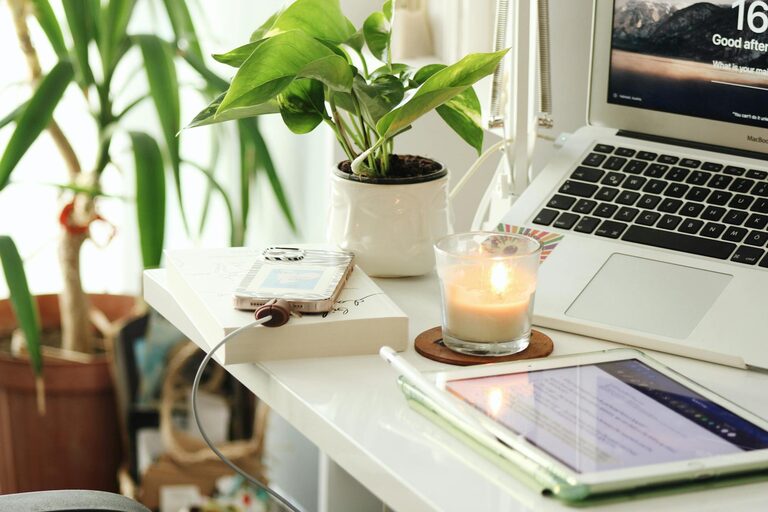
Creating a home office that feels both cozy and productive is essential for anyone working remotely or managing tasks from home. A well-designed workspace can boost your focus, reduce stress, and make your daily work routine more enjoyable. In this post, we’ll explore practical tips to help you set up a comfortable and efficient home office tailored to your needs.
Choose the Right Location
Consider Natural Light
When selecting a spot for your home office, natural light should be a top priority. A space near a window can enhance mood and reduce eye strain. If natural light is limited, use soft, warm artificial lighting that mimics daylight to keep the environment inviting.
Minimize Distractions
Pick a quiet corner or room where you can work without too many interruptions. Avoid areas with heavy foot traffic, loud appliances, or communal spaces where others gather frequently.
Invest in Comfortable and Functional Furniture
Ergonomic Chair and Desk
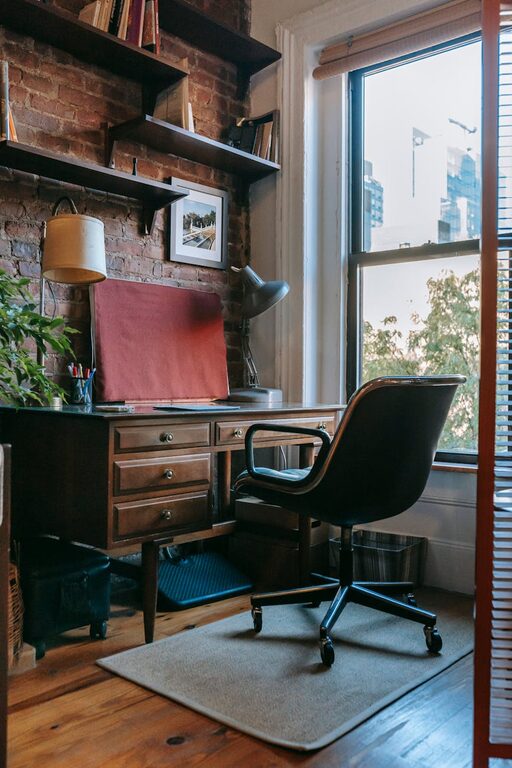
Since you’ll spend hours sitting, choose an ergonomic chair that supports good posture and a desk at the right height to prevent strain. Adjustable chairs and desks allow you to customize your setup to fit your body perfectly.
Personalize Your Workspace
Add touches that make your workspace appealing, such as a cozy throw blanket, a soft rug, or cushions. Personalizing your office can increase comfort and make you feel more relaxed while working.
Organize Efficiently
Declutter Regularly
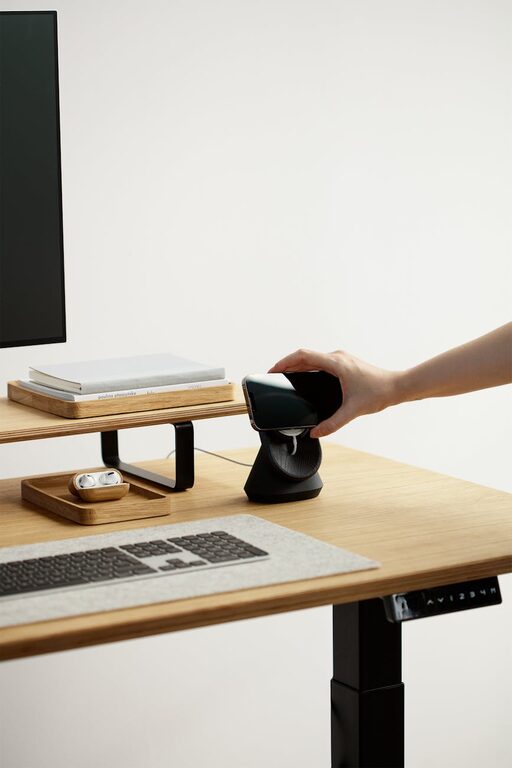
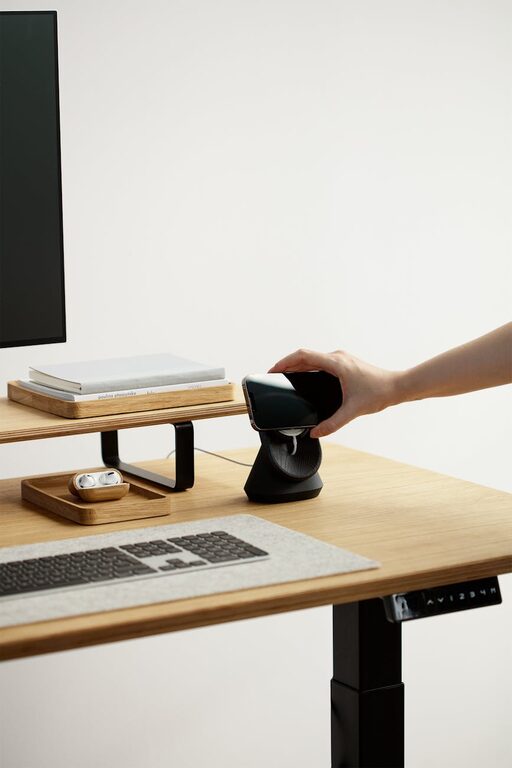
Keeping your desk free of unnecessary items helps clear your mind and focus on work. Use trays, shelves, or desk organizers to store essentials neatly and out of the way.
Use Vertical Space
Maximize small areas by installing shelves or corkboards on walls. This keeps important documents or inspirational items within easy reach and reduces desk clutter.
Create a Pleasant Atmosphere
Incorporate Plants
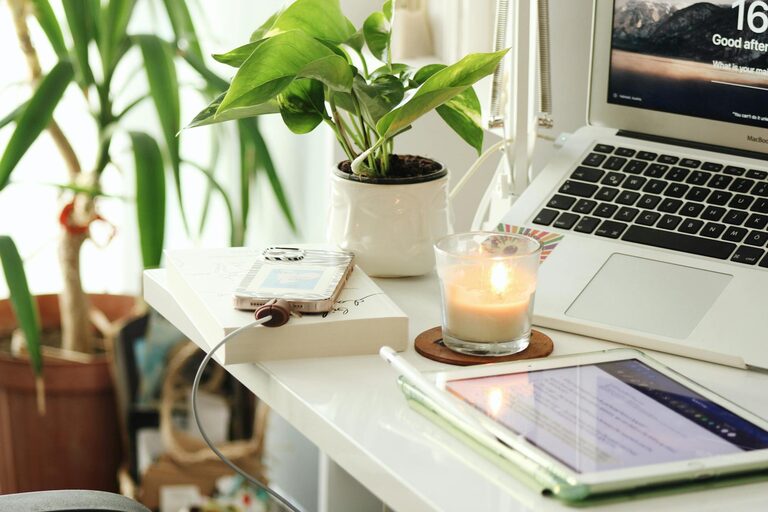
Adding greenery to your office space can purify the air and provide a calming effect. Choose low-maintenance plants like succulents or snake plants that thrive indoors.
Control Temperature and Ventilation
Make sure your workspace is well-ventilated and kept at a comfortable temperature. Use fans, heaters, or air purifiers as needed to maintain a fresh and pleasant environment.
Enhance Productivity with Smart Tools
Use Technology Wisely
Invest in reliable equipment such as a good-quality monitor, keyboard, and mouse. Organize cables with clips or sleeves to avoid tangles and distractions.
Set Up Task Lighting
A desk lamp with adjustable brightness helps you see clearly without straining your eyes, especially during late hours or overcast days.
Establish a Routine and Boundaries
Designate Work Hours
Set consistent working hours to help separate work time from personal time. Communicate these boundaries with family or housemates to minimize interruptions.
Take Breaks and Move Around
Incorporate short breaks into your routine to stretch, hydrate, or rest your eyes. This helps maintain energy and concentration throughout the day.
Add Elements That Inspire and Motivate
Use Vision Boards or Inspirational Quotes
Pin up images, quotes, or goals that motivate you. Seeing positive reminders can boost your mood and keep you focused on your objectives.
Play Background Music or White Noise
If it helps you concentrate, play soft background music or use white noise apps to block out distracting sounds.
Maintain Flexibility and Adaptability
Adjust Your Setup as Needed
Your needs may change over time. Be open to rearranging your space or trying new organizing systems to stay comfortable and efficient.
Experiment with Different Work Styles
Try standing while working, using a balance board, or changing positions to stay engaged and reduce fatigue.
—
Creating a cozy and productive home office is about balancing comfort with functionality. By choosing the right location, investing in good furniture, organizing efficiently, and setting routines, you can make your workspace a place where you enjoy spending time and get your best work done. Remember, small changes can make a big difference in your daily work life!