Creating a productive home workspace that suits your needs is more important than ever. Whether you work remotely full-time, study from home, or simply want a dedicated area to focus on personal projects, setting up the right environment can boost your efficiency—and make work more enjoyable.
In this post, we’ll explore simple, practical tips to help you create a workspace that supports focus, comfort, and creativity.
Choose the Right Location
Consider Natural Light and Noise Levels
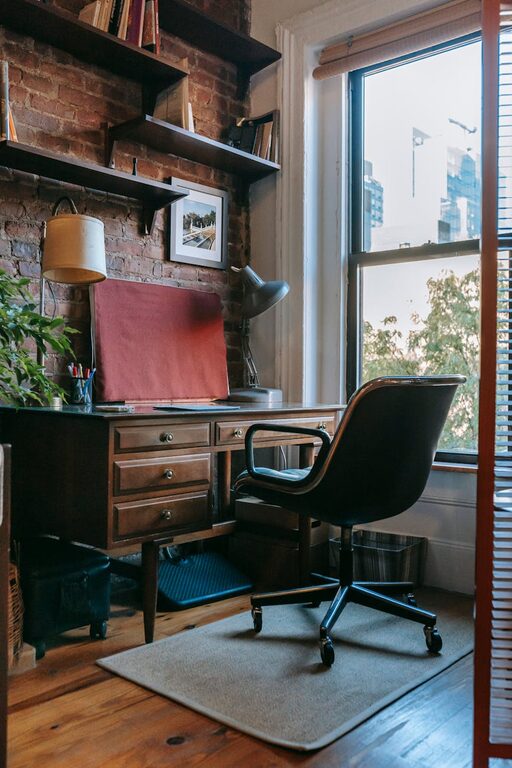
Start by selecting a spot in your home that feels comfortable and distraction-free. Ideally, pick a room or corner with plenty of natural light. Exposure to daylight has been shown to improve mood and energy levels, which helps productivity. If natural light isn’t available, invest in a good quality lamp with adjustable brightness.
Also, think about the noise level. If your home tends to be noisy, a quieter room or using noise-canceling headphones can help you maintain focus.
Proximity to Household Activities
Depending on your work style, choose a location away from heavy household traffic. If you need to be near family areas for certain reasons, establish boundaries so others understand your work is important and you shouldn’t be disturbed.
Invest in Comfortable and Functional Furniture
Ergonomic Chair and Desk
Comfort is key for long hours spent at your desk. An ergonomic chair supports good posture and reduces strain on your back and neck. Your desk should be at a height where your elbows are bent at about a 90-degree angle when typing.
If space is limited, consider adjustable or foldable desks that can be stored away after work hours.
Consider Standing Options
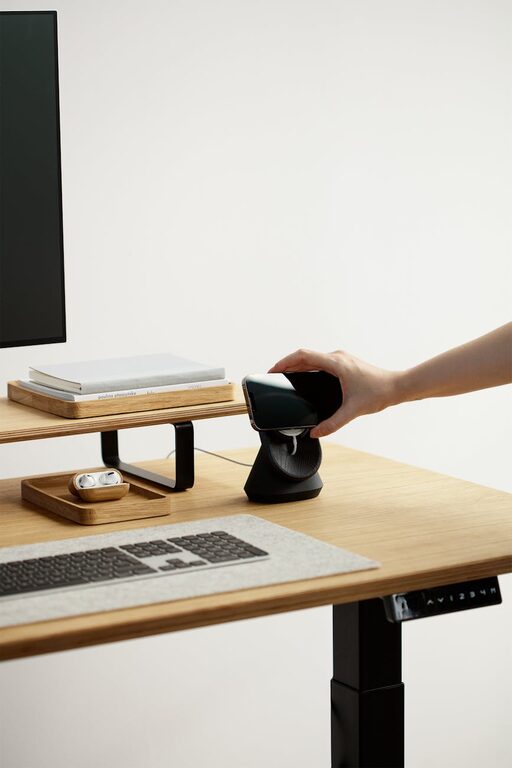
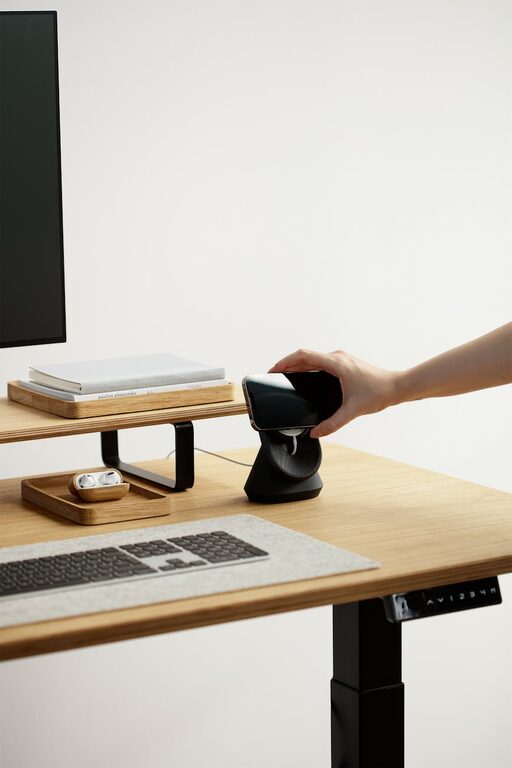
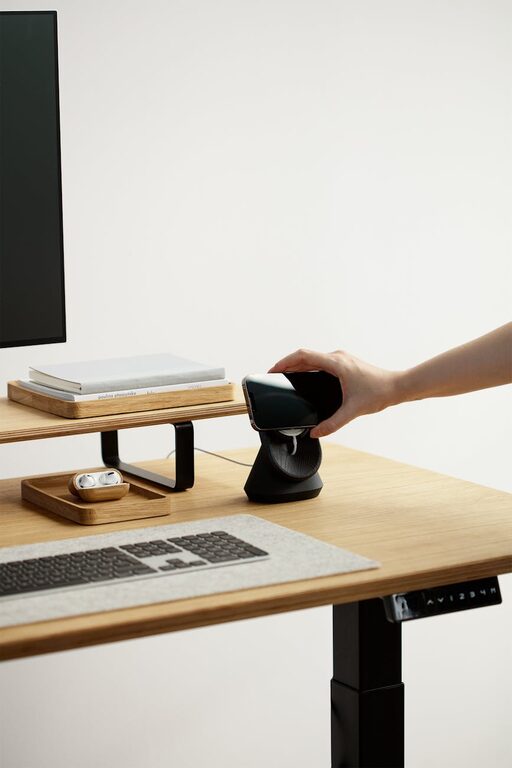
Alternating between sitting and standing can boost circulation and focus. Adjustable-height desks or converters allow you to change positions easily.
Organize Your Workspace Efficiently
Declutter and Keep Only Essentials
A cluttered desk can lead to a cluttered mind. Keep your workspace tidy by having only essential items nearby: your computer, notebook, pens, and perhaps a small plant or photo that makes you smile.
Use Storage Solutions
Incorporate drawers, shelves, or organizers to keep supplies out of sight but within reach. Label boxes or folders if needed to quickly find documents.
Cable Management
Tidy up your cables with clips or sleeves. A neat workspace visually reduces stress and distractions.
Personalize Your Space
Add Items That Inspire You
Make your workspace inviting with items that boost your motivation. This could be artwork, motivational quotes, or plants that add life and texture.
Choose Calming Colors
Soft, neutral tones are often best for focus. However, if you respond well to colors, add accents in hues that energize or calm you.
Optimize Lighting and Technology
Proper Lighting
Besides natural light, use task lighting like adjustable desk lamps to reduce eye strain. Position lights to avoid glare on your screen.
Reliable Tech Setup
A fast, reliable internet connection is crucial. Keep necessary equipment like a printer, scanner, or extra monitor handy but not overwhelming.
Establish a Routine and Boundaries
Set Business Hours
When your workspace is at home, it’s easy to blur work and personal time. Establish clear work hours and communicate them with others in your household.
Take Breaks and Move Around
Schedule short breaks to stretch or take a walk. This refreshes the mind and prevents fatigue.
Maintain Your Workspace Regularly
Dedicate time weekly to tidy and reassess your setup. This ensures your space continues to meet your needs and helps prevent clutter from building up.
—
Creating a home workspace that works well for you doesn’t have to be complicated or expensive. By choosing the right location, investing in comfort, organizing wisely, and personalizing your area, you set the stage for productivity and well-being. Try implementing some of these tips to transform your home workspace into a place where focus and creativity thrive.